
Get the Handlus extension
No account needed to download. Install it in each Chrome profile you want your agent to use, then connect each one.
Chrome Web StoreRecommended
It updates itself. Open this page in each Chrome profile and click Add to Chrome.
Zip file
New versions arrive here first. Use it when you cannot use the Web Store, or to get the newest version right away. One zip works for every Chrome.
Install from the Chrome Web Store
Click Add to Chrome, then Add extension in the box that opens
chromewebstore.google.com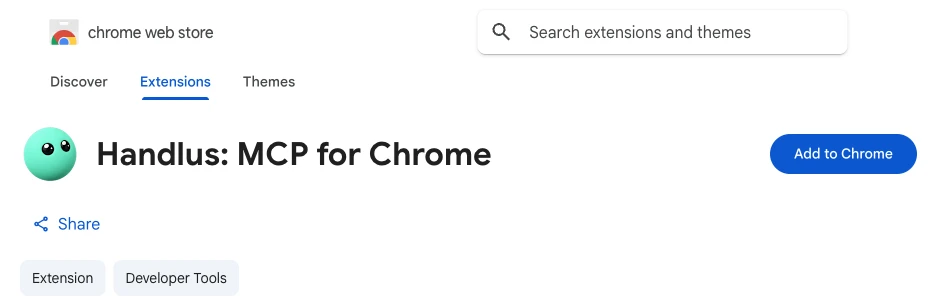
When it finishes, the welcome page opens by itself. Chrome keeps it up to date for you.
Install from the zip file
Double-click the downloaded zip to unzip it
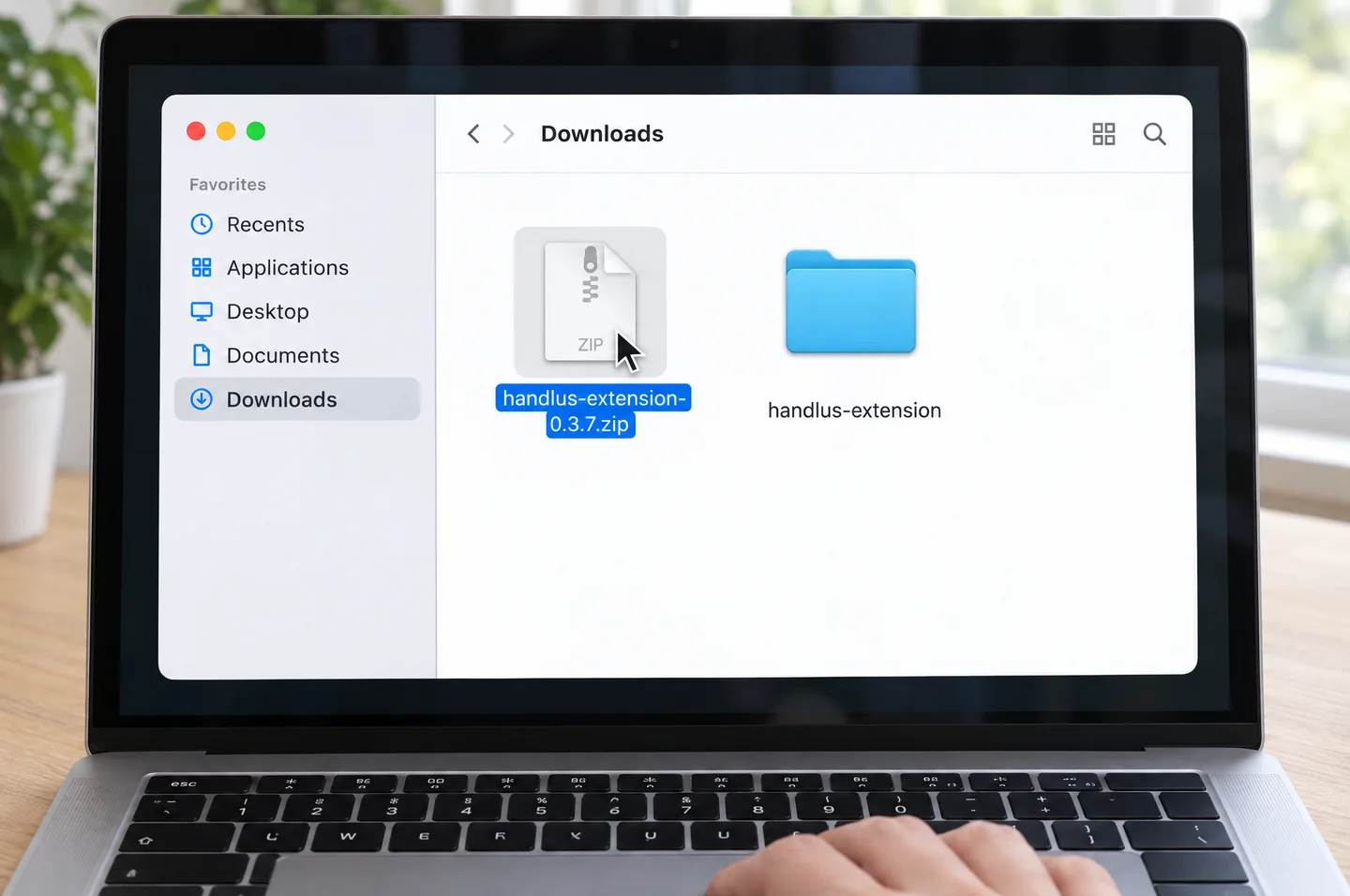
① Double-click the zip and ② a handlus-extension folder appears. Move this folder somewhere you won't delete it, such as your Documents folder. Chrome keeps loading the extension from it. On Windows, right-click the zip and choose Extract All.
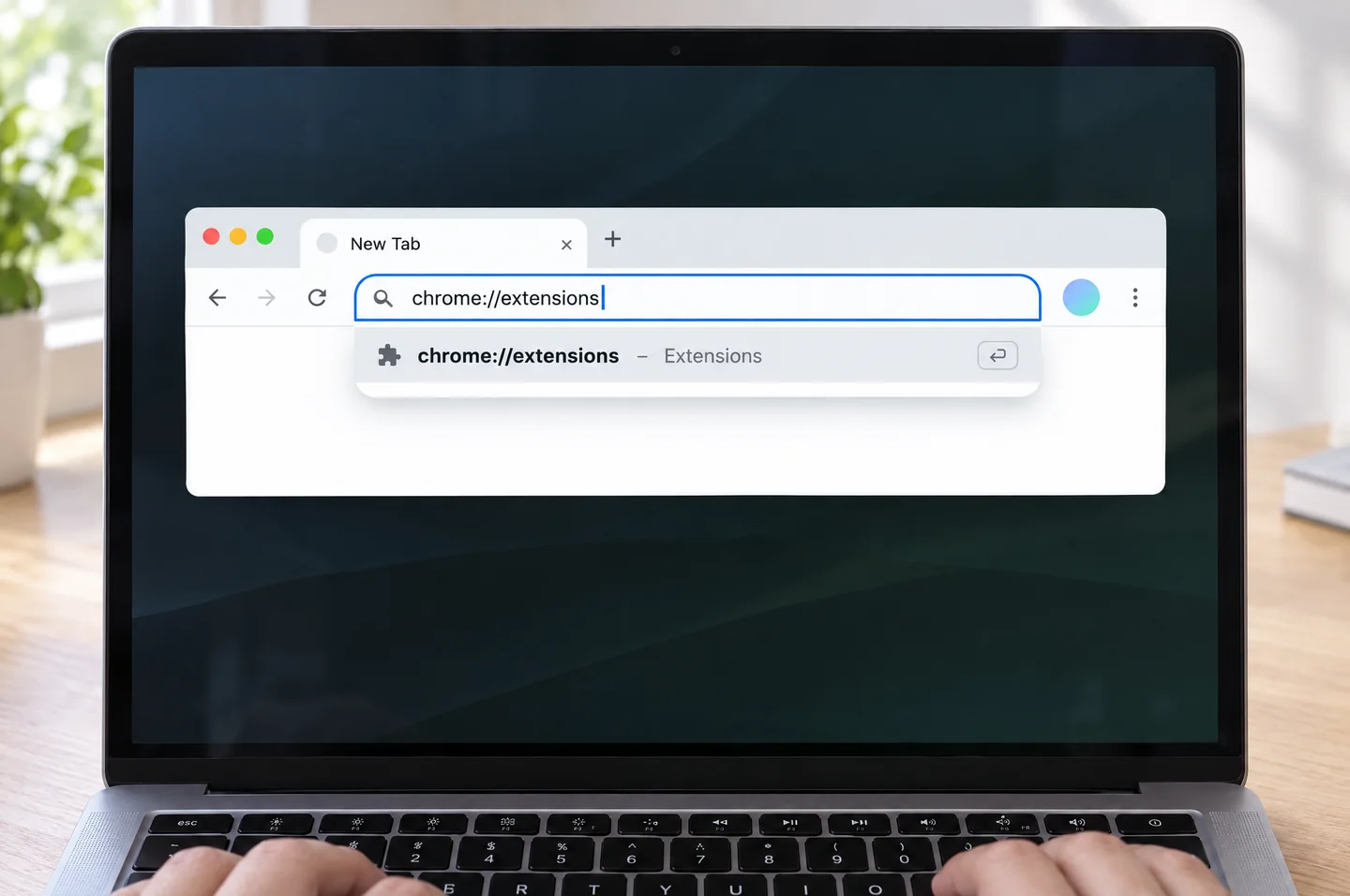
Open chrome://extensions in Chrome's address bar
① Open a new tab (⌘T, or Ctrl+T on Windows) and paste it into the address bar (⌘V or Ctrl+V), then ② press Enter.
Chrome doesn't let websites open this address directly, so you copy and paste it.
Turn on Developer mode in the top right
chrome://extensions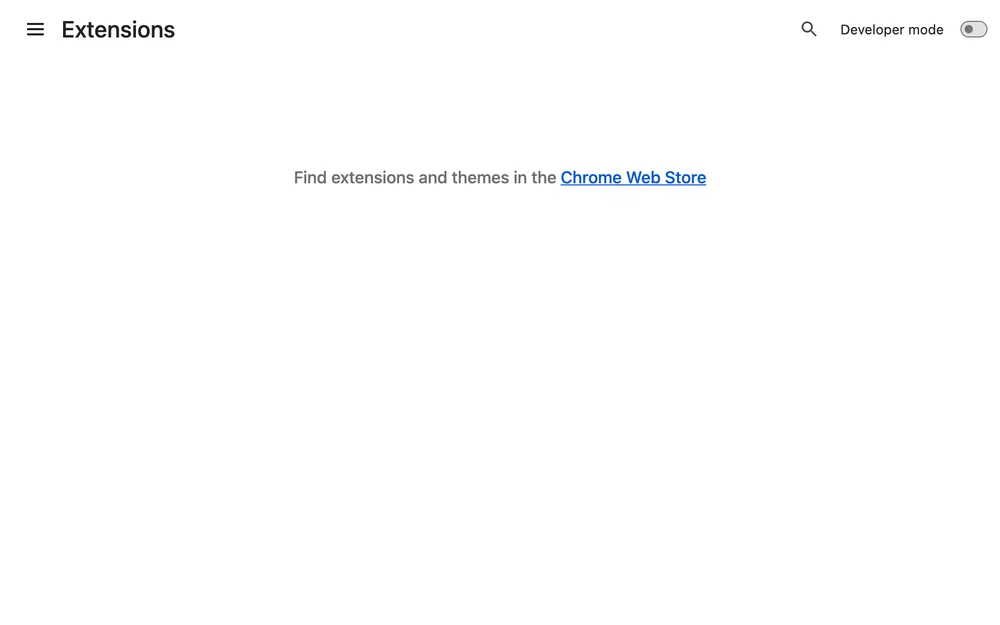
Click Load unpacked and select the unzipped handlus-extension folder
chrome://extensions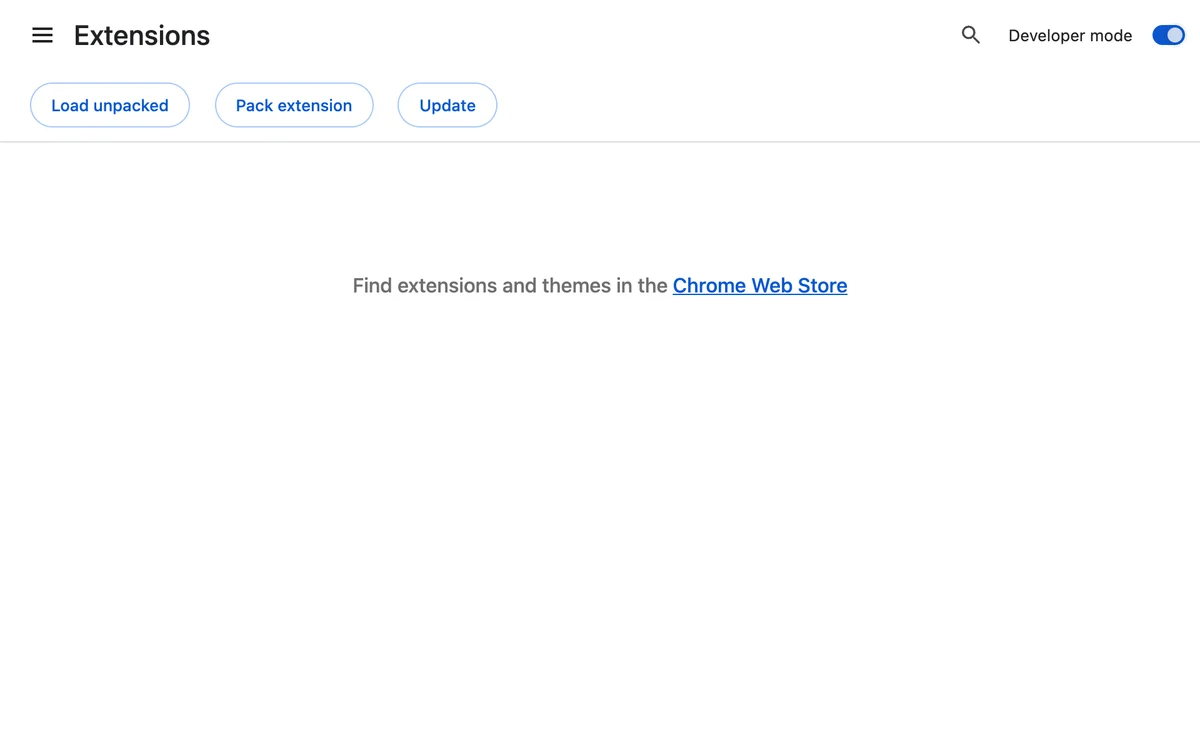
Or ① drag the handlus-extension folder onto this page and ② drop it
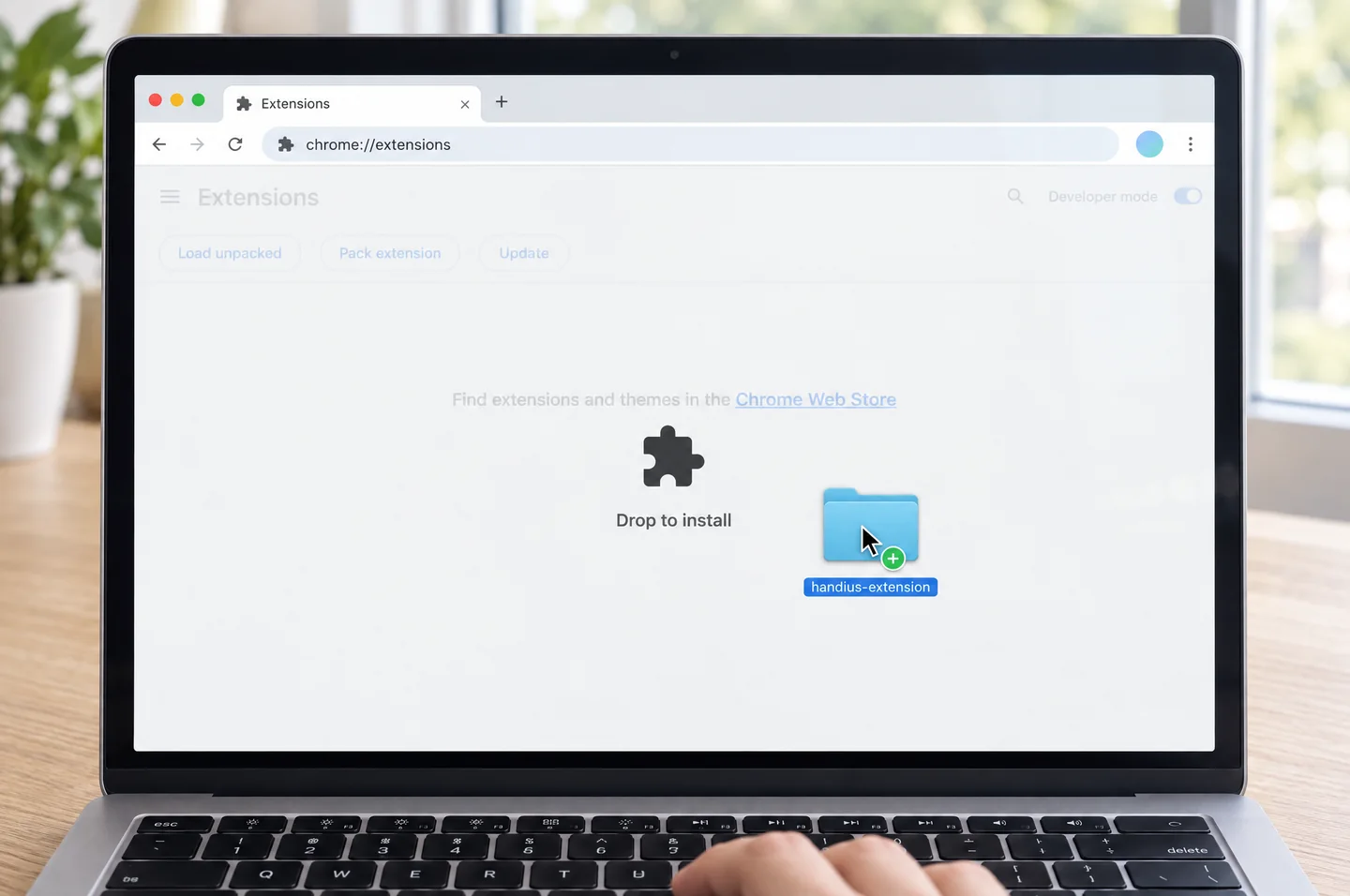
With Developer mode on, you see Drop to install. Let go and it installs right away.
When you see the Handlus card, it's installed
chrome://extensions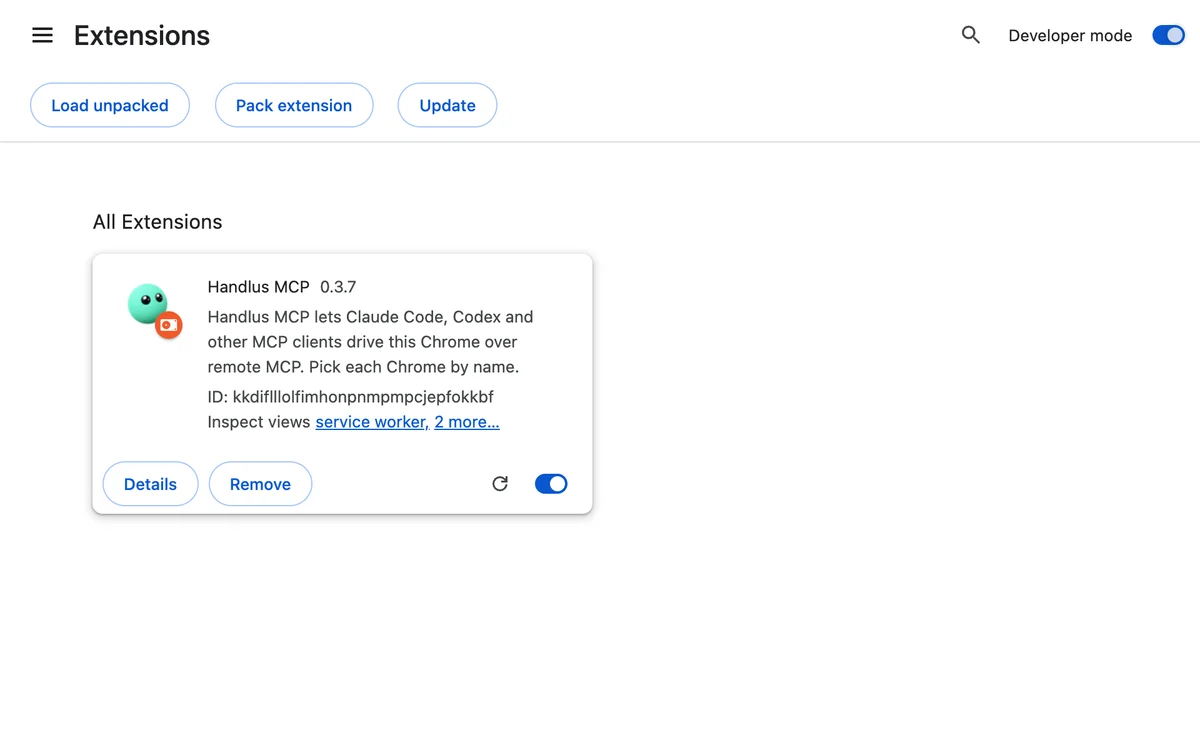
Right after it installs, the Handlus setup page opens in a new tab. You'll use it in the next step.
A file install does not update itself. Keep it current with one command or the Handlus Updater.
Use several Chromes
- Install the extension in every Chrome profile you want the agent to use. Each profile keeps its own copy.
- Each install opens a welcome page. Connect it there with your Handlus sign-in email, Google, or a connection key, and give it a name.
- Your agent picks a Chrome by that name. How many Chromes get tools depends on your plan: see pricing.
Then connect your agent
Connecting a Chrome and adding the MCP server to your agent needs a Handlus account. The Free plan is enough to start.
Get started© 2026 Handlus · Proprietary license · No copying or redistribution without permission · Privacy Policy · Terms · Pricing · Download the extension