
Get the Handlus extension
No account needed to download. Install it in each browser profile you want your agent to use, then connect each one.
Chrome Web Store
It updates itself. Open this page in each browser profile and click Add to Chrome.
Install from the Chrome Web Store
Click Add to Chrome, then Add extension in the box that opens
chromewebstore.google.com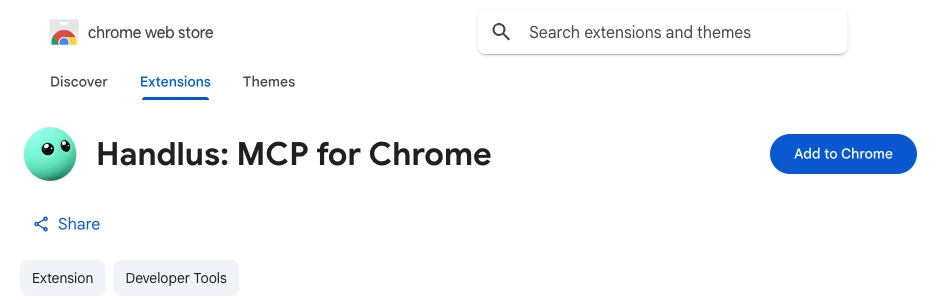
When it finishes, the welcome page opens by itself. Your browser keeps it up to date for you.
Use several browsers
- Install the extension in every browser profile you want the agent to use. Each profile keeps its own copy.
- Each install opens a welcome page. Connect it there with your Handlus sign-in email, Google, or a connection key, and give it a name.
- Your agent picks a browser by that name. How many devices (browsers and computers) get tools depends on your plan: see pricing.
Handlus App
Install the app and your agent can use programs on your computer, not just the browser.
In the app’s Quick automation you can also put your own Claude or ChatGPT subscription to work (Mac and Windows). For browser tasks through Handlus AI or your own agent, you do not need the app. The browser connects with the extension.
- Mac: open Handlus.dmg, drag Handlus into Applications, then open it. Your browser opens to connect this computer.
- Windows: the first time, choose “More info”, then “Run anyway”. Your browser opens to connect this computer.
- Linux: unpack the file and run handlus-app.
Then add Handlus to your agent
Connecting a browser and adding the MCP server to your agent needs a Handlus account. The Free plan is enough to start.
Get started© 2026 Handlus · Proprietary license · No copying or redistribution without permission · Privacy Policy · Terms · Pricing · Download the extension